With Adobe Firefly integrated into InDesign, you now have the power to generate images and expand layouts using AI — without switching apps. But just because you can use AI doesn’t mean you should use it for every design task.
In this guide, we’ll compare AI-powered workflows vs. traditional manual design inside InDesign, so you know exactly when to rely on Firefly — and when human craftsmanship still reigns supreme.
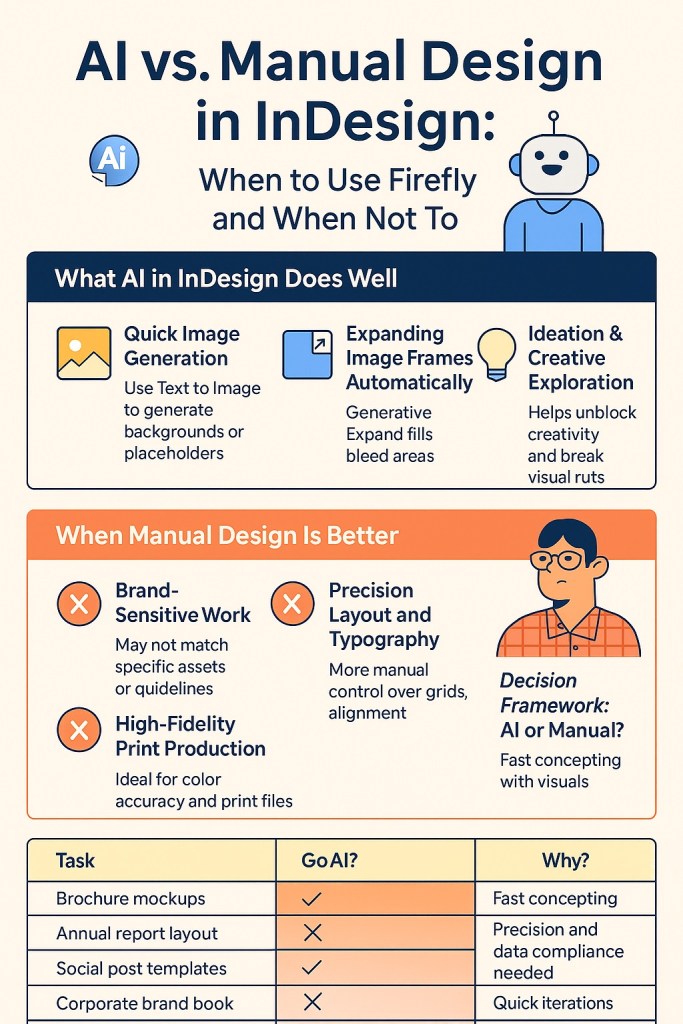
What AI in InDesign Does Well
1. Quick Image Generation
Need a visual concept fast? Use Text to Image to generate a placeholder, background, or stylistic element instantly.
✅ Best for:
- Moodboards
- Early layout concepts
- Internal comps or pitch decks
2. Expanding Image Frames Automatically
Instead of opening Photoshop to fix a cropped image, use Generative Expand right in InDesign.
✅ Best for:
- Filling bleed areas for print
- Adjusting for different aspect ratios
- Extending environmental backgrounds
3. Ideation & Creative Exploration
Not sure what direction to take visually? Firefly helps unblock your creativity with low-effort, high-variety image options.
✅ Best for:
- Exploring layout themes
- Generating visual variations
- Breaking creative ruts
When Manual Design Is Better
1. Brand-Sensitive Work
When you’re working with established brand assets, AI-generated images might not match tone, palette, or composition precisely.
🚫 Avoid for:
- Brand identity templates
- Product packaging with strict guidelines
- Corporate client deliverables
2. Precision Layout and Typography
Firefly is excellent for visuals, but manual control is still best for:
- Baseline grids
- Column structure
- Kerning, leading, and type hierarchy
Use traditional tools for typographic accuracy and alignment logic.
3. High-Fidelity Print Production
For offset printing, where every pixel and color matters, stick with:
- Manually color-corrected images
- Vector files and custom illustrations
- Spot color control
AI is great for concepting — not final CMYK accuracy.
Decision Framework: AI or Manual?
| Task | Go AI? | Why? |
|---|---|---|
| Brochure mockups | ✅ Yes | Fast concepting with visuals |
| Annual report layout | ❌ No | Precision and data compliance needed |
| Social post templates | ✅ Yes | Quick iterations |
| Corporate brand book | ❌ No | Manual control over brand elements |
| Event flyer with abstract art | ✅ Yes | AI-generated art adds impact |
| Cookbook design with food shots | ❌ No | Better to use real photography |
Final Thought
Think of AI in InDesign as a creative assistant, not a replacement. Use it when you want speed, variety, and flexibility — but rely on manual design when accuracy, branding, or precision are critical.
Smart designers know how to blend both.
👉 Try Adobe InDesign free for 7 days — Start your trial today.



