As Adobe integrates more generative AI features into its design tools, one important technology stands out: Content Credentials. In Adobe InDesign, every image generated with Firefly-powered tools like Text to Image or Generative Expand automatically includes a secure content label — making your creative work more transparent, traceable, and commercially safe.
Here’s everything you need to know about how Content Credentials work in InDesign and why they matter.
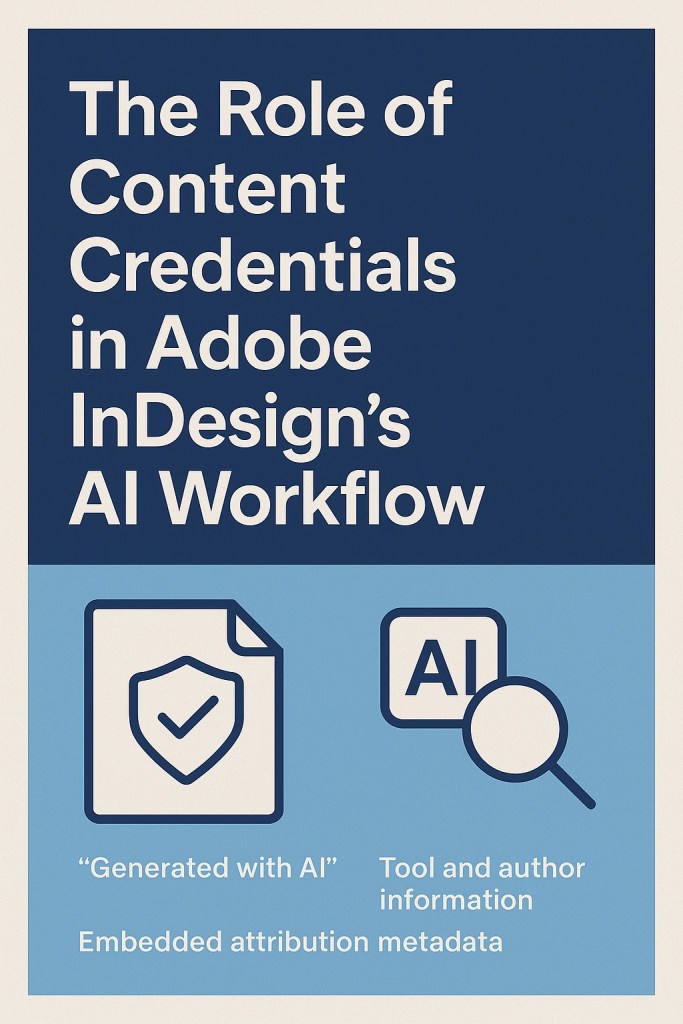
What Are Content Credentials?
Content Credentials are tamper-evident metadata tags that provide origin, authorship, and usage information about creative content. When you generate AI images in InDesign using Firefly, these credentials are embedded automatically and travel with your file.
They help answer key questions like:
- Who created this image?
- Was it made with AI?
- What tool or prompt was used?
This is part of Adobe’s participation in the Content Authenticity Initiative (CAI) — an open-source standard for tracking digital content provenance.
What Info Is Included in Content Credentials?
Depending on the tool and your preferences, content credentials can include:
- Generated with AI label
- Name of the generating tool (e.g. Adobe Firefly)
- Time and date of generation
- Prompt used (optional toggle)
- Adobe account or organization ID (if linked)
You can control what’s included before export or publishing.
Where Do You See Content Credentials?
You can view credentials in:
- InDesign panel (under image properties)
- Adobe Photoshop or Illustrator
- Online via the Verify tool on contentcredentials.org
- In some cases, through metadata viewers or web publishing exports
They are also visible in PDFs, EPUBs, and Publish Online outputs — giving transparency to anyone reviewing the final design.
Why Do Content Credentials Matter?
Here’s why this matters to you as a designer:
1. Commercial Safety
If you’re using generative images in professional projects, these credentials act as proof of responsible creation — protecting you and your clients from copyright issues.
2. Client Transparency
Agencies and publishers can disclose which parts of the design were made with AI, helping meet legal or ethical standards.
3. Creative Attribution
If you’re collaborating or distributing work online, these credentials show who made what — much like a digital signature.
4. AI Governance
As governments and platforms introduce AI content disclosure rules, Content Credentials will help you stay compliant automatically.
How to Check If an Image Has Content Credentials
- Select the image in InDesign
- Go to Object > Content Credentials > View Info
- Or right-click and choose View Content Credentials
From here, you can view, edit, or turn on/off visibility for export.
Exporting and Sharing Content with Credentials
When you export your InDesign file as:
- EPUB
- PNG/JPG
- Publish Online
The Content Credentials are embedded by default (unless manually turned off).
This ensures your AI-generated visuals remain traceable, even outside the Adobe ecosystem.
Best Practices
- Keep prompt inclusion turned ON for transparency
- Use Firefly tools only when signed in to ensure credentials are applied
- If editing in Photoshop later, preserve metadata by saving as PSD or PDF
- For client handoff, explain the benefits of credentialed content
Summary
As generative AI becomes more deeply embedded in Adobe InDesign, Content Credentials are your key to staying transparent, ethical, and future-proof. By embedding origin metadata into every Firefly-generated image, Adobe gives creators the tools to work faster — without losing control over authorship or accountability.
Design freely. Share confidently. Trust what you create.
👉 Try Adobe InDesign free for 7 days — Start your trial today.



