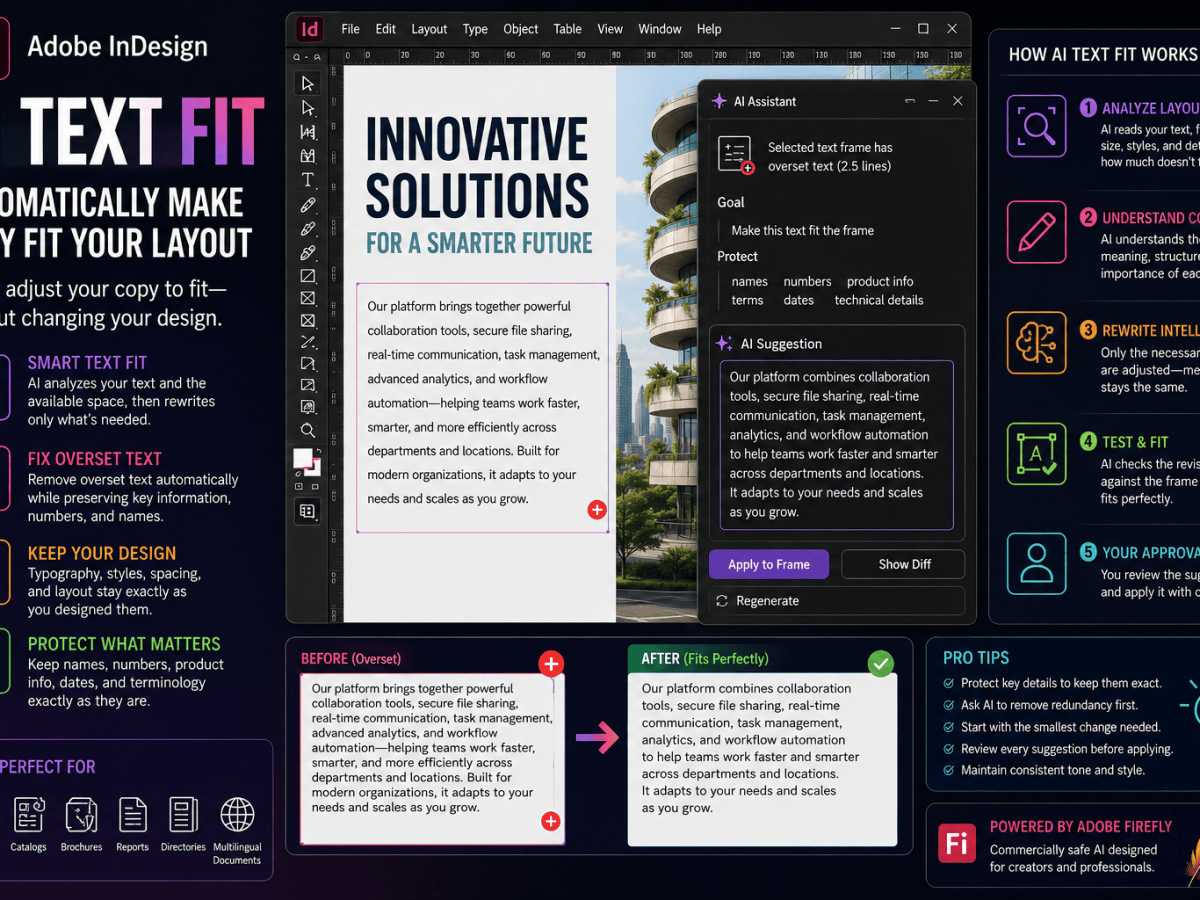
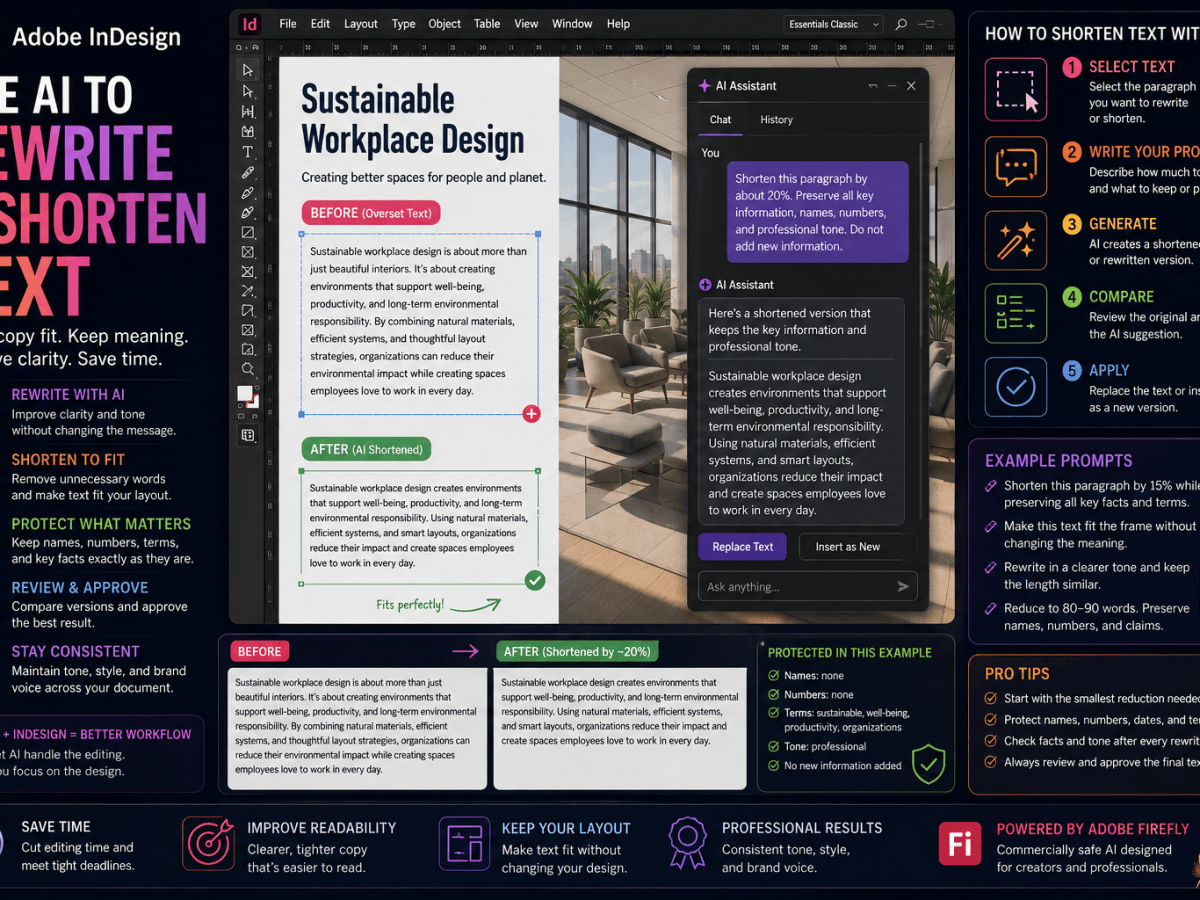
Adobe InDesign has always been the professional choice for creating books, magazines, brochures, catalogs, reports, and other complex page layouts. Adobe Express, on the other hand, was designed for fast, template-driven content creation for social media, marketing, presentations, and digital publishing.
For many years these products served different audiences.
Today, the distinction is becoming much less rigid.
Adobe has introduced deeper integration between InDesign and Adobe Express, allowing designers to move assets, edit images, collaborate with teams, and create marketing content without constantly switching between disconnected applications.
Instead of replacing one another, the two applications increasingly complement each other.
This guide explains how the integrated workflow works, when to use each application, and how professional designers can take advantage of both.
Adobe InDesign remains Adobe’s professional desktop publishing application. If you don’t already have it, you can get Adobe InDesign directly from Adobe and begin exploring its latest AI-powered publishing workflow.
Why Adobe Is Connecting Express and InDesign
Modern publishing rarely ends with a printed brochure.
One project may require:
- Printed brochure
- Digital PDF
- Instagram posts
- Facebook advertisements
- LinkedIn graphics
- Presentation slides
- Website banners
- Email graphics
- Digital flyers
- Interactive content
Traditionally, these assets might require multiple applications and several export steps.
Adobe’s goal is to reduce that friction.
Instead of treating every application as a completely separate environment, Creative Cloud is becoming a connected design ecosystem.
InDesign focuses on professional layout.
Adobe Express focuses on rapid content creation.
The integration allows designers to move between those environments more efficiently.
What Is Adobe Express?
Adobe Express is Adobe’s browser-based and desktop creative application aimed at quick visual content creation.
It includes tools for:
- Social media graphics
- Marketing materials
- Posters
- Flyers
- Presentations
- Short videos
- Web graphics
- Brand templates
- AI image generation
- AI text generation
- Quick photo editing
Unlike InDesign, Adobe Express emphasizes speed and simplicity rather than advanced page-layout capabilities.
That makes it ideal for marketing teams, small businesses, educators, and content creators who need professional-looking assets quickly.
What Is Adobe InDesign?
Adobe InDesign is Adobe’s professional publishing platform.
It specializes in:
- Books
- Magazines
- Newspapers
- Catalogs
- Reports
- Technical documentation
- Interactive PDFs
- Accessible EPUBs
- Professional typography
- Long documents
- Complex layouts
- Print production
InDesign provides far more control over typography, styles, grids, master (parent) pages, indexing, cross-references, accessibility, and professional printing than Adobe Express.
The two applications therefore solve different problems.
Why Use Both Applications?
Imagine designing a new product catalog.
The catalog itself belongs in InDesign.
But the marketing campaign also requires:
- Instagram graphics
- LinkedIn announcements
- Facebook advertisements
- Story graphics
- Email banners
Those assets don’t necessarily require the sophisticated publishing tools found in InDesign.
Adobe Express can often create those supporting materials much faster.
The result is a workflow where:
InDesign creates the publication.
Adobe Express extends the marketing campaign.
The New Connected Workflow
Adobe has been building tighter connections between its creative applications.
Instead of exporting files manually, designers increasingly work with connected Creative Cloud assets.
A typical workflow may look like this:
Creative Brief │ ▼ Adobe InDesign Layout & Publishing │ ▼ Adobe Express Marketing Variations │ ▼ Social Media Email Campaigns Presentations Digital Marketing
The publication remains the authoritative design.
Express creates additional marketing variations.
Editing Images from InDesign
One of the most useful developments is the ability to work with images more efficiently.
Instead of leaving your publishing workflow and manually creating several derivative graphics, designers can use Adobe Express to:
- Remove backgrounds
- Resize graphics
- Generate new visual concepts
- Create social media crops
- Produce promotional imagery
The edited assets can then return to the publishing workflow.
This reduces unnecessary exporting and importing.
Using AI Across Both Applications
Artificial intelligence is becoming one of the strongest reasons to combine the two applications.
InDesign increasingly provides:
- Rewrite
- Generate Text
- AI-generated Alt Text
- Generative Expand
- AI Assistant (Beta)
Adobe Express includes:
- Text-to-Image
- Generative Fill
- Quick background removal
- AI-powered design suggestions
- Social media generation
- Brand consistency tools
Rather than competing, the AI capabilities often complement each other.
Example Workflow
Imagine producing an annual report.
In InDesign you:
- Build the report
- Format typography
- Create charts
- Apply styles
- Prepare accessible PDFs
In Adobe Express you:
- Create promotional graphics
- Produce LinkedIn posts
- Generate presentation slides
- Build campaign visuals
- Create event announcements
One project becomes multiple marketing assets.
Brand Consistency
Marketing teams frequently struggle with maintaining brand consistency.
Adobe Express helps by allowing organizations to build brand kits that include:
- Logos
- Brand colors
- Fonts
- Templates
- Graphic assets
These assets can support marketing teams while designers continue developing more sophisticated publications inside InDesign.
The result is greater consistency across campaigns.
Collaboration Between Teams
The integrated workflow also benefits collaboration.
Traditional publishing often looked like this:
Designer → Export → Marketing → Rebuild Assets
Now the workflow becomes closer to:
Designer → Shared Creative Assets → Marketing Team → Adobe Express
Marketing teams no longer need to recreate everything manually.
Instead, they can adapt approved assets inside Express.
Creating Social Media from Print Designs
A printed brochure often contains excellent visual material.
Historically, someone needed to:
- Export pages.
- Crop images.
- Resize layouts.
- Create square versions.
- Create vertical versions.
Adobe Express simplifies much of this work.
Marketing teams can quickly create social-ready assets while preserving the original branding.
AI-Powered Image Editing
Adobe Express excels at rapid image editing.
Tasks such as:
- Removing distractions
- Extending backgrounds
- Replacing objects
- Creating variations
- Resizing graphics
can often be completed more quickly than traditional manual editing.
Those updated assets can then be incorporated into InDesign layouts when appropriate.
Long Documents Still Belong in InDesign
Despite the integration, InDesign remains the clear choice for:
- Books
- Manuals
- Annual reports
- Magazines
- Newspapers
- Technical documentation
- Product catalogs
- Educational publishing
Adobe Express isn’t intended to replace professional desktop publishing.
Instead, it complements it.
Marketing Content Belongs in Express
Adobe Express shines when creating:
- Instagram posts
- Facebook graphics
- LinkedIn banners
- Stories
- Posters
- Quick flyers
- Promotional graphics
- Event announcements
These assets can often be produced significantly faster than recreating them manually inside InDesign.
Accessibility Remains an InDesign Strength
For accessible publishing, InDesign continues to provide capabilities that go far beyond Adobe Express.
These include:
- Tagged PDF
- Accessible EPUB
- Reading order
- AI-generated Alt Text
- ARIA Labels
- Professional typography
- Long-document navigation
Organizations producing accessible publications should continue treating InDesign as the primary production environment
Which Application Should You Choose?
The answer depends entirely on your project.
Choose Adobe InDesign when creating:
- Books
- Magazines
- Reports
- Catalogs
- Print publications
- Accessible PDFs
- EPUBs
- Complex layouts
Choose Adobe Express when creating:
- Social media graphics
- Marketing campaigns
- Promotional content
- Presentation visuals
- Quick branded assets
For many organizations, the best answer is:
Use both.
Common Workflow Example
Imagine launching a new product.
InDesign produces
- Product brochure
- Technical specification
- Price list
- Installation guide
Adobe Express produces
- Instagram campaign
- LinkedIn announcement
- Facebook graphics
- Promotional banner
- Event invitation
One design project feeds an entire marketing campaign.
Benefits of the Integrated Workflow
Using both applications together offers several advantages:
- Faster content creation
- Better collaboration
- Greater brand consistency
- Easier asset reuse
- AI-assisted production
- Reduced duplicate work
- Better marketing scalability
Perhaps most importantly, designers spend less time recreating assets.
Limitations
The integration doesn’t mean every workflow becomes automatic.
Professional designers still need to:
- Review layouts
- Check typography
- Verify accessibility
- Validate print settings
- Maintain brand quality
- Review AI-generated content
AI accelerates production.
It doesn’t eliminate quality control.
Best Practices
Professional teams should:
- Keep the master publication in InDesign.
- Use paragraph and object styles consistently.
- Maintain approved Creative Cloud assets.
- Build reusable brand templates.
- Use Adobe Express for marketing variations.
- Review every AI-generated asset.
- Test accessibility before publishing.
This creates a scalable workflow that supports both print and digital marketing.
Professional publications begin with Adobe InDesign. You can get Adobe InDesign directly from Adobe and integrate it with the rest of your Creative Cloud workflow.
Frequently Asked Questions
Can Adobe Express replace Adobe InDesign?
No. Adobe Express is designed for quick content creation, while InDesign remains Adobe’s professional desktop publishing application for complex layouts and long documents.
Can I use Adobe Express with Adobe InDesign?
Yes. Adobe continues to improve integration between the two applications, making it easier to share assets and extend publishing projects into marketing campaigns.
Which application is better for books?
Adobe InDesign.
Which application is better for social media?
Adobe Express.
Does Adobe Express include AI?
Yes. Adobe Express includes multiple AI-powered creative tools for generating and editing content.
Is InDesign still worth learning?
Absolutely. Professional publishing, typography, accessibility, books, magazines, reports, and print production continue to rely heavily on InDesign.
Final Thoughts
Adobe isn’t replacing InDesign with Adobe Express.
Instead, it is building a connected creative ecosystem where each application focuses on its strengths.
InDesign remains the professional publishing platform.
Adobe Express accelerates marketing content creation.
Together they create a workflow that is faster, more collaborative, and better suited to today’s multi-channel publishing environment.
For professional designers, the future isn’t choosing one application over the other.
It’s learning how to use both effectively.
Start Publishing with Adobe InDesign
Whether you’re creating books, brochures, magazines, annual reports, catalogs, or marketing materials, Adobe InDesign remains the professional foundation of the publishing workflow.
Related Articles
Continue exploring the Adobe InDesign AI and Workflow series:
- Adobe InDesign AI: The Complete Guide to AI-Powered Design and Publishing
- How AI Is Changing Adobe InDesign Workflows
- How to Edit Images with Adobe Express Directly from InDesign
- Adobe InDesign AI vs Adobe Express: Which Should You Use?
- Adobe InDesign vs Canva: Which Is Better for Professional Publishing?
- Generate Text in Adobe InDesign: A Practical Guide
- How to Generate Alt Text with AI in Adobe InDesign
- Adobe InDesign Accessibility in 2026: What Designers Need to Know