Understand the cost, flexibility, and best fit for your needs.
If you’re getting ready to subscribe to Adobe InDesign, you’ll be asked to choose between two billing options: monthly or annual. Both give you the same software—but the way you pay (and cancel) makes a big difference.
Let’s break down the pros and cons of each to help you decide what’s best for your budget and workflow.
💡 The Two Main Options
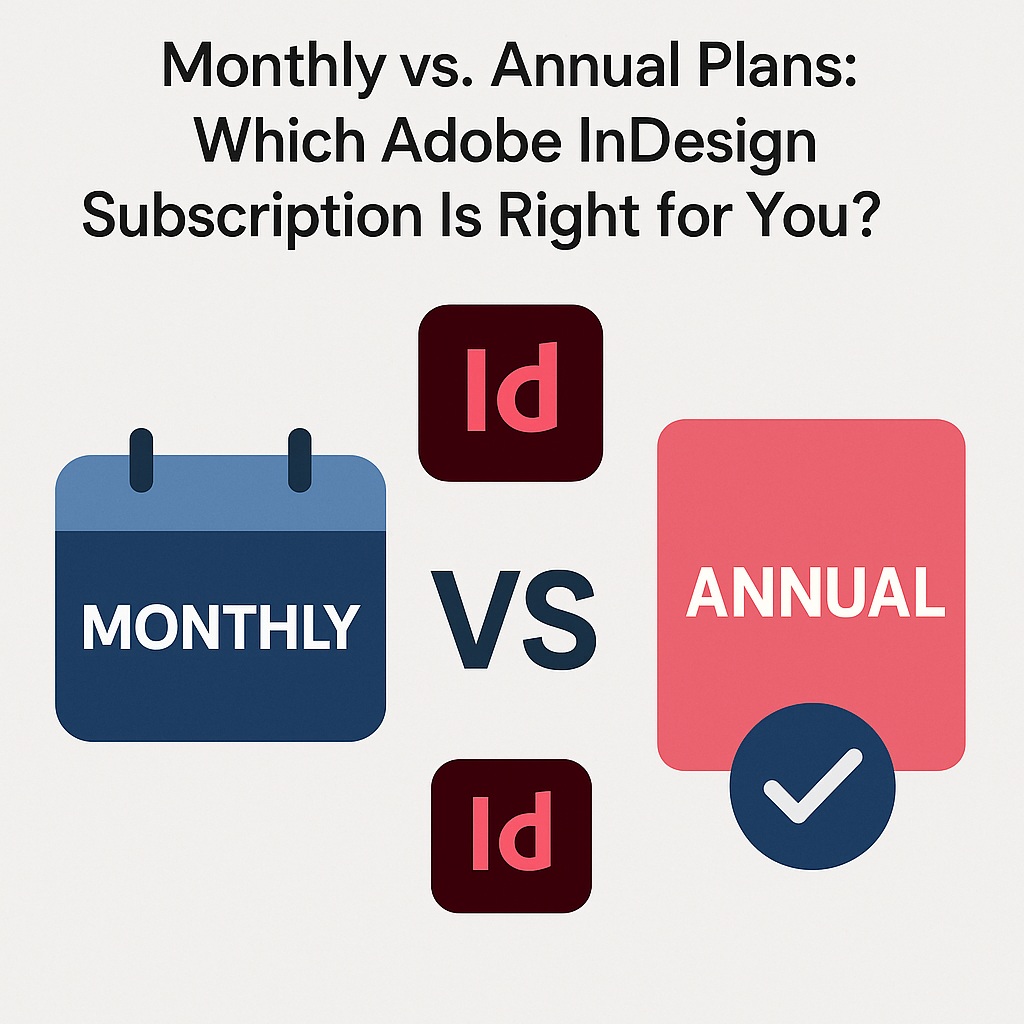
🔁 Monthly Plan (Pay As You Go)
- Cost: ~$31.49/month
- Cancel anytime
- Best for short-term projects or freelancers on demand
📅 Annual Plan (Paid Monthly)
- Cost: ~$20.99/month
- 12-month commitment
- Early cancellation = 50% of remaining fee
- Best for long-term or ongoing design work
💰 1. Upfront Cost Comparison
| Plan Type | Monthly Cost | Total Yearly Cost |
|---|---|---|
| Monthly Plan | $31.49 | ~$377.88 |
| Annual Plan | $20.99 | ~$251.88 |
Savings with annual plan: ~$126/year
🔓 2. Flexibility vs. Commitment
If you’re unsure how long you’ll need InDesign, the monthly plan offers full flexibility. You can cancel after a single project or pause between busy seasons.
The annual plan saves money but locks you in. Adobe charges 50% of the remaining contract if you cancel early.
🧑💻 3. Who Should Choose Monthly?
- Freelancers working on one-off design gigs
- Students or hobbyists testing InDesign
- Anyone with a short-term publishing need
- Users who want to trial InDesign for a few months without the pressure of a year-long commitment
🏢 4. Who Should Choose Annual?
- Full-time designers or content creators
- Agencies, publishers, or marketing teams
- Students in multi-semester design programs
- Anyone using InDesign consistently every month
🎓 Bonus Tip: Student Discounts Apply to Annual Plans
If you’re a student or teacher, Adobe’s Creative Cloud All Apps Student Plan is annual-only—but it’s 60–70% off, and includes InDesign, Photoshop, Illustrator, and more.
🧠 Final Thought
If you’re unsure or need InDesign temporarily, go with the monthly plan. But if you’re using it regularly—or building a long-term skill—the annual plan saves money and pays off over time.
The features are the same either way. The real difference is in flexibility and cost.
👉 Try Adobe InDesign free for 7 days — Start your trial today.